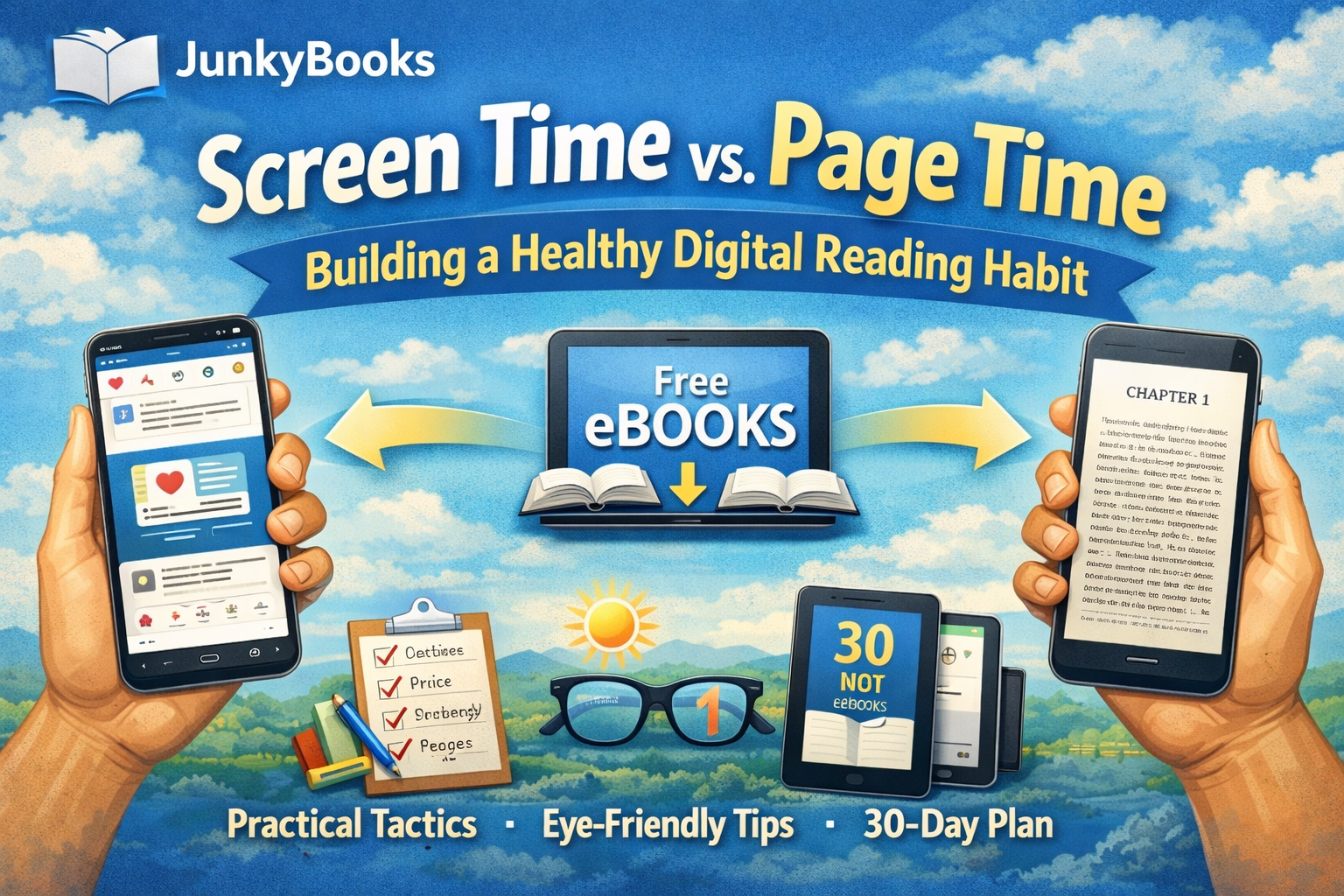
Screen Time vs. Page Time: Building a Healthy Digital Reading Habit
Most of us don’t actually lack time to read. We lose it in fragments five minutes here, ten minutes there spent scrolling feeds that constantly reset our attention instead of restoring it. The irony is that these same stolen minutes are more than enough to build a powerful reading habit.
The good news? You don’t have to quit screens or dramatically change your lifestyle to become a reader. You just need to convert screen time into page time by making reading the default, reducing friction, and protecting your eyes and focus.
This guide walks you through a mindset shift, practical daily tactics, eye-friendly digital reading setups, and a realistic 30-day plan to help you replace casual scrolling with consistent digital reading using free ebooks (including on JunkyBooks) as the easiest on-ramp.
The Mindset Shift: Don’t Read “More.” Read “Instead.”
The biggest obstacle to reading isn’t motivation it’s substitution.
You don’t need:
-
A two-hour reading block
-
Perfect focus
-
A dramatic lifestyle reset
You need one simple swap:
Open a book when you would normally open a feed.
Reading on a phone or tablet can be just as convenient as social media. The difference is intentional design: scrolling is engineered to keep you reacting, while reading allows you to stay with one thing long enough to feel calm, absorbed, and mentally satisfied.
Your mission: Replace the first 5–15 minutes of daily scrolling with reading. Everything else builds from there.
Part 1: Setting Achievable Daily Reading Goals
1. Choose a goal you can hit on your worst day
A good reading goal is one you’ll still complete when you’re tired, busy, or unmotivated.
Try one of these minimum goals:
-
Time goal: 5 minutes/day
-
Page goal: 5–10 pages/day
-
Chapter goal: 1 short chapter/day
-
Streak goal: Open your ebook and read 1 paragraph/day
If you consistently hit the minimum, you’ll naturally read more on good days.
2. Tie reading to an existing habit
Habits stick when they’re attached to something you already do.
Choose a daily trigger:
-
After breakfast
-
On your commute
-
After plugging in your phone at night
-
While waiting (lines, appointments, downloads)
Simple habit formula:
After I do X, I will read for Y minutes.
Examples:
-
“After I brush my teeth at night, I read for 10 minutes.”
-
“After I sit down on the train, I read 5 pages.”
3. Make the first click effortless
If social media is one tap away and your ebook is buried, scrolling will win.
Reduce friction with quick setup wins:
-
Add JunkyBooks to your home screen or pin it in your mobile browser
-
Bookmark your current book
-
Create a folder called “READ FIRST”
-
Enable reader mode if available
Make reading easier to open than your feeds.
4. Use a two-tier goal
This removes pressure while encouraging progress:
-
Base goal: 5 minutes (always achievable)
-
Bonus goal: 20 minutes (when energy allows)
You win every day but still have a clear next level.
5. Track one simple thing
Avoid overcomplication. Track just one:
-
Days read (streak)
-
Minutes read
-
Pages read
-
Chapters finished
Even a small checkmark on a calendar is powerful. Your brain likes visible proof.
Part 2: Eye Health and Minimizing Distraction
Digital reading can be comfortable and sustainable with a few smart adjustments.
Eye strain basics (simple and practical)
-
Use the 20-20-20 rule:
Every 20 minutes, look at something 20 feet away for 20 seconds. -
Match screen brightness to the room:
A screen that’s too bright increases eye fatigue. -
Increase font size and line spacing:
If you squint, you’ll quit. Larger text often improves speed and comprehension. -
Use warmer display settings at night:
Night mode, warm tone, or blue-light reduction helps, especially before bed. -
Blink intentionally:
Reading and scrolling both reduce blinking. Short pauses help prevent dryness.
If you experience persistent eye pain, headaches, or blurry vision, consult an eye-care professional. Comfort should never be forced.
Build a distraction-resistant reading environment
Distraction is rarely a willpower issue it’s an environment issue.
Do a 60-second focus setup before reading:
-
Enable Do Not Disturb or Focus mode
-
Silence notifications
-
Set a timer for 5–15 minutes
-
Keep only one tab open: your book
Make reading your default boredom button.
If you catch yourself opening a social app automatically:
-
Pause
-
Close it
-
Open JunkyBooks
-
Read one paragraph
That small interruption breaks the autopilot loop.
Use the “soft start” trick
Starting is the hardest part. Lower the bar:
-
“I’ll read until the end of this page.”
-
“I’ll read for 2 minutes.”
-
“I’ll read one scene.”
Momentum usually follows action.
Part 3: A 30-Day Plan to Turn Scrolling Into Reading
This plan is realistic not heroic. You’ll gradually replace scrolling without overhauling your life.
Week 1: Reduce friction and prove the habit
Goal: 5 minutes/day
Day 1–2 (Setup):
-
Choose one ebook you genuinely want to read
-
Make JunkyBooks easy to access
-
Pick your daily trigger
Day 3–7 (The Swap):
-
Read 5 minutes before your first scroll of the day
-
If you miss, do it later no guilt
Win condition: 5 out of 7 days completed.
Week 2: Lock in a daily rhythm
Goal: 10 minutes/day or 10 pages/day
-
Add one anchor session (bedtime or morning)
-
Add one replacement session (commute, lunch, after work)
Win condition: Reading happens automatically at a specific time of day.
Week 3: Build focus and reduce distractions
Goal: 15–20 minutes/day, 5 days this week
-
Set a 15-minute timer
-
No switching apps during the session
-
Expect restlessness it’s part of retraining attention
Optional: One longer session (30–45 minutes) on the weekend.
Week 4: Make it a lifestyle, not a challenge
Goal: 20 minutes/day or finish one full book
-
Choose your next book before finishing the current one
-
Create a simple reading menu:
-
One main book
-
One easy/light book
-
One micro-read option
-
Win condition: Reading becomes your default screen activity at least once per day.
Part 4: Why Free Ebooks on JunkyBooks Help Build the Habit
A strong reading habit depends on continuity. You want the next book ready the moment you’re interested.
JunkyBooks helps because:
-
No cost = no pressure
Free books remove guilt and allow exploration. -
Variety sustains consistency
Switching genres keeps reading enjoyable. -
Fast access beats perfect planning
Open → choose → read. Fewer steps mean higher follow-through. -
Short reads create daily wins
Finishing something quickly builds motivation. -
Same device, healthier habit
You’re not fighting your phone you’re repurposing it into a tool that:-
Calms attention
-
Creates progress
-
Improves nighttime wind-down when used thoughtfully
-
Practical “Page Time” Tactics You Can Use Today
-
1-for-1 rule: 10 minutes of scrolling = 10 minutes of reading
-
First app rule: Reading is your first screen activity of the day
-
Waiting rule: If you’re waiting, you’re reading
-
Bedtime swap: Replace the last scroll with 10 minutes of reading
-
One-more-page rule: When you want to stop, read one more page
FAQs
Is reading on a phone still “real reading”?
Yes. Format doesn’t matter attention does.
What if I keep rereading the same paragraph?
That’s normal during the transition away from high-stimulation scrolling. Shorten sessions and choose easier or more gripping material.
Is nighttime screen reading bad for sleep?
It can be for some. Use warm display settings, lower brightness, and calmer material. If sleep suffers, move reading earlier.
How do I read more when I’m busy?
Stop aiming for long sessions. Stack small ones: 5 minutes after breakfast, 5 at lunch, 10 before bed.
Time goals or page goals which is better?
Time goals are more consistent. Page goals can work if formatting is uniform. Choose what feels rewarding.
What if I don’t like a book?
Drop it. Early habit-building is about momentum, not obligation.
Your Next Step: Turn Today’s Scroll Into 5 Minutes of Reading
Choose one moment you usually scroll just one and replace it with a short reading session on JunkyBooks today. Keep it small, keep it easy, and repeat tomorrow.
In 30 days, you won’t just have read more you’ll have trained a healthier, calmer, and more intentional way to use your screen.